

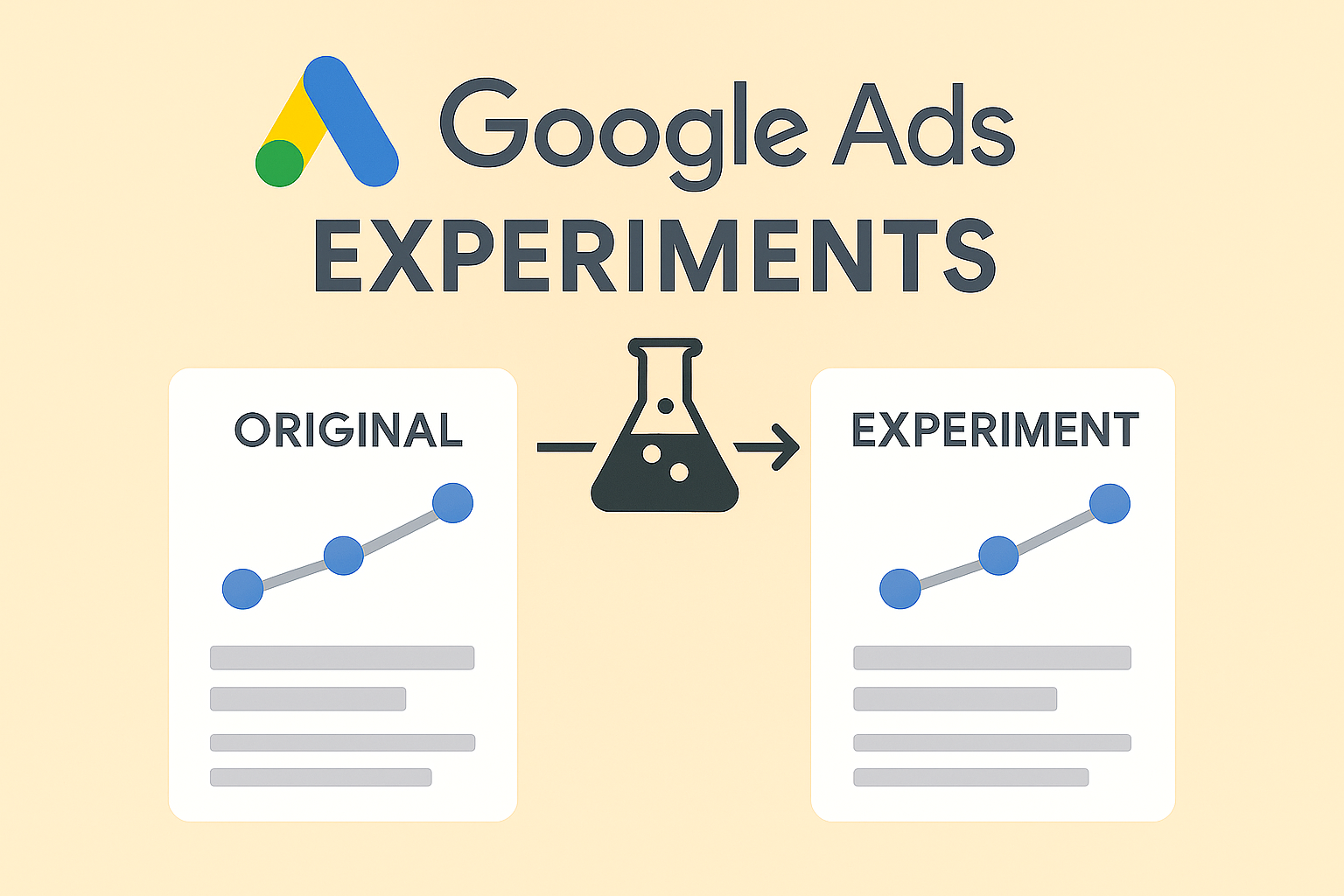
If you want to improve your ad performance, you need to keep testing. And Google Ads has a very useful feature for that: Experiments.
But what exactly is it? What can you do with it? And how do you use it effectively?
In this blog, I’ll explain step by step how Experiments works, what you can test with it, and why it’s a must-use if you’re serious about improving your campaigns.
What are Google Ads Experiments?
Experiments is a feature in Google Ads that allows you to easily run A/B tests.
You can create two versions of a campaign: one original version and one test version. Google runs them side by side to see which performs better.
In short:
You try something new without immediately changing your original campaign.
Test finished? → See what works → Apply the winning version to your real campaign based on data.
What can you test with Experiments?
You can test many different things, such as:
- Different ad copy
- Different bidding strategies
- New audiences or audience lists
- Changes in location or schedule settings
- Different landing pages
- Different budgets
Example:
You want to know if an action-focused headline (“Book Now – 25% Discount”) performs better than an informational one (“Professional Help for Back Pain”).
You start an experiment and test them head-to-head. Simple and clear.
Benefits of Google Ads Experiments
Test without risk — your original campaign keeps running
Clear results — you see exactly which version performs better
Make better decisions — no guessing, optimize based on data
Move fast — if the experiment wins, apply it to your main campaign with one click
How to start an experiment
Step-by-step:
- Go to your campaign in Google Ads
- Click Campaigns → Experiments
- Click Create new experiment
- Choose the experiment type (for example, A/B test)
- Select what you want to test
- Choose how to split the traffic (for example, 50/50)
- Start your experiment
Let it run for a few weeks (depending on your traffic), then carefully analyze the results.
When should you use an experiment?
Use an experiment when:
- You’re unsure between two campaign versions
- You want to try something new without changing your existing campaign
- You want data to make better decisions
- You want to systematically improve performance
Important: Always test only one change at a time. Otherwise, you won’t know what caused the difference.